Ultimate PDF Tool
Python Scripts
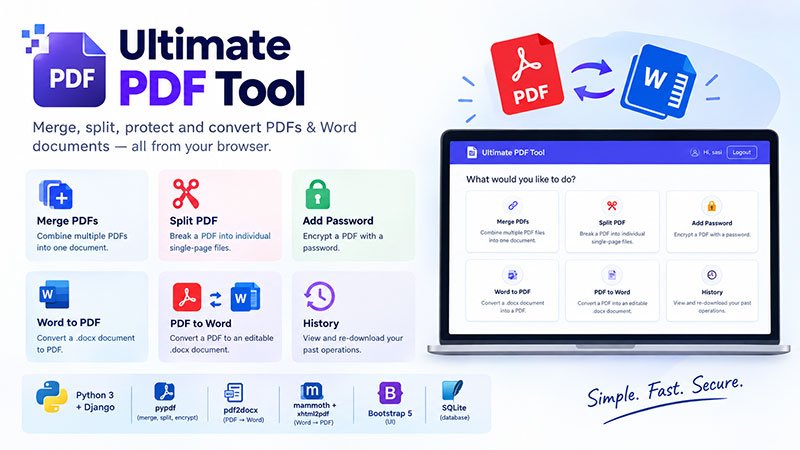
Ultimate PDF Tool is a Django-based web application that lets users merge, split, password-protect, and convert PDF and Word documents directly from their browser. It supports merging multiple PDFs with custom page ordering, splitting PDFs into individual pages, encrypting PDFs with passwords, and converting between .docx and PDF formats using a pure-Python pipeline (no Microsoft Word or LibreOffice required). Each user has a secure account with a private history of past operations, and the app is built on Python, Django, pypdf, pdf2docx, mammoth, and xhtml2pdf, with a Bootstrap 5 interface.
Ultimate PDF Tool
Ultimate PDF Tool is a self-hosted, privacy-conscious web application built for the everyday PDF and Word document tasks that most people run into but rarely have a good tool for. Rather than uploading sensitive files to a random third-party website, teams and individuals can run this Django-based app themselves and handle merging, splitting, password protection, and document format conversion entirely from the browser — with no external services processing the files.
Key Features
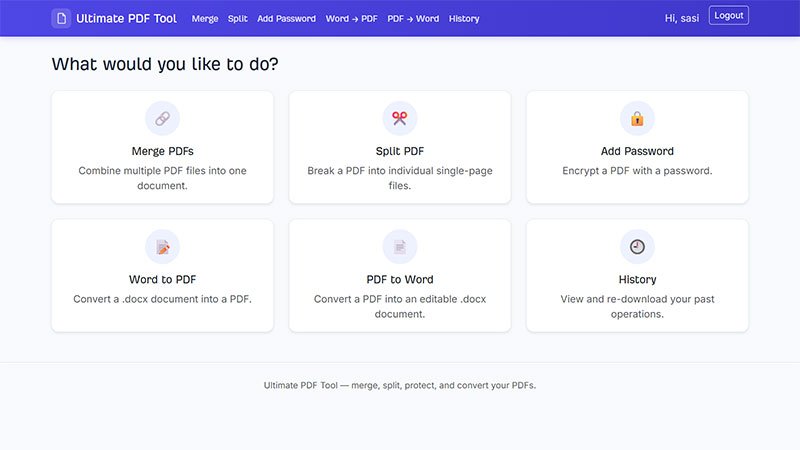
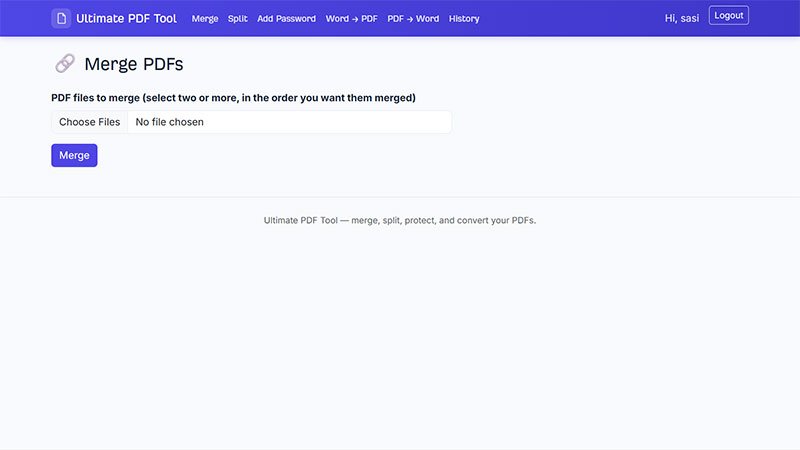
- Merge PDFs — Combine two or more PDFs into one file, with a reorderable file list so you control the exact page order. (Browsers don't reliably preserve file-picker selection order, so this is handled explicitly in the UI.)
- Split PDF — Break a PDF into individual single-page PDFs, downloaded as a single ZIP.
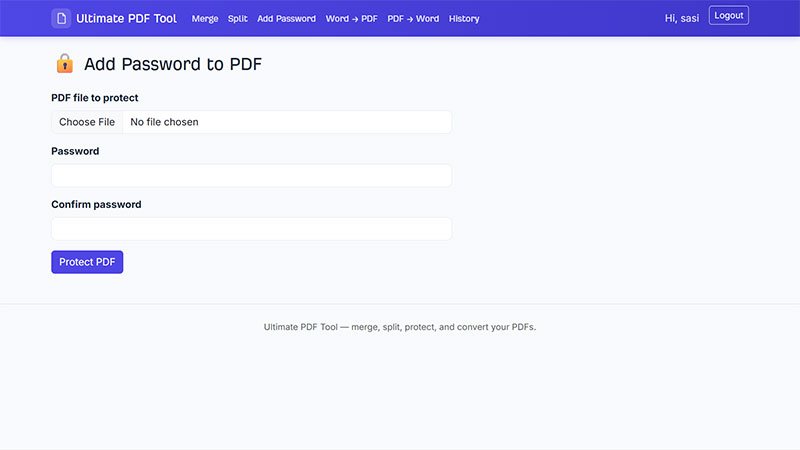
- Add Password — Encrypt a PDF with a password.
- Word to PDF — Convert a .docx document to PDF using a pure-Python pipeline (mammoth + xhtml2pdf) — no Microsoft Word or LibreOffice required. Handles headings, paragraphs, bold/italic, lists, and simple tables; complex layouts (columns, headers/footers, embedded objects) may not be preserved exactly.
- PDF to Word — Convert a PDF to an editable .docx document using pdf2docx.
- Accounts — Sign up / log in with Django auth; every tool requires login.
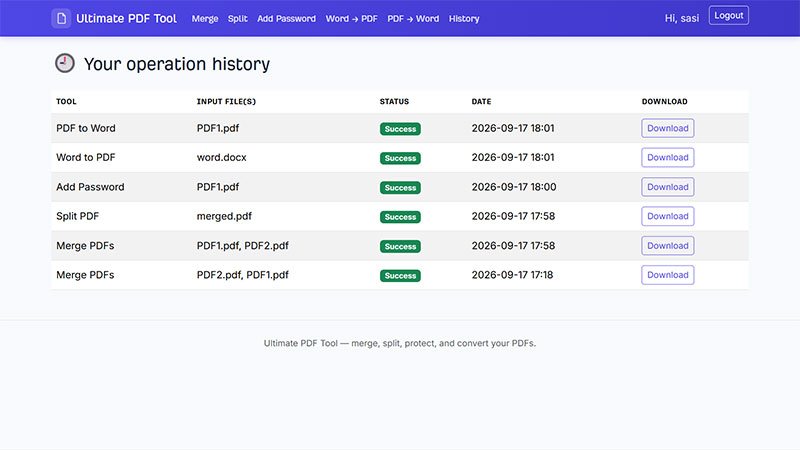
- History — Every operation you run is logged with status and a re-download link, scoped to your own account. Other users cannot access your files, even by guessing a download URL.
Tech Stack
- Python 3 + Django
- pypdf — merge, split, encrypt
- pdf2docx — PDF ? Word
- mammoth + xhtml2pdf — Word ? PDF
- Bootstrap 5 (CDN) for the UI, with custom theming and self-hosted fonts (static/fonts/)
- SQLite (default Django dev database)
Prerequisites
- Python 3.10+ installed and on your PATH
- Visual Studio Code with the Python extension (ms-python.python)
- Git (optional, only if you want version control)
Don’t Keep This to Yourself — Share It!


License
A regular license permits the use of an item in a single project, whether for personal or commercial purposes, by you or on behalf of a client. Resale of the item, either individually or as part of a project, is prohibited, and the distribution of source files is not allowed.
Server Requirements
- Python 3 + Django
- pypdf — merge, split, encrypt
- pdf2docx — PDF ? Word
- mammoth + xhtml2pdf — Word ? PDF
- Bootstrap 5 (CDN) for the UI, with custom theming and self-hosted fonts (static/fonts/)
- SQLite (default Django dev database)
Payment Type
One time Payment: Upon receiving your full payment, we will provide you with the complete source code. After that, no additional payments will be required.
Delivery Time
We will send the Download Link to you Within 2-4 hrs. On Working Days(Monday- Friday) And the source code will deliver within 4-8 hours On Weekends (Saturday -Sunday).
Technical Support
Unlimited Email Support for One Year.
Script Update
Free Updates for One Year.
Customization Scope
Includes Complete Source Code.
Encryption
No Encryption and No Domain Limitations.
Installation
No Free Installation Services. Our charges range from $5 to $10, depending on the software's complexity and criticality.

No comments yet. Be the first to comment!